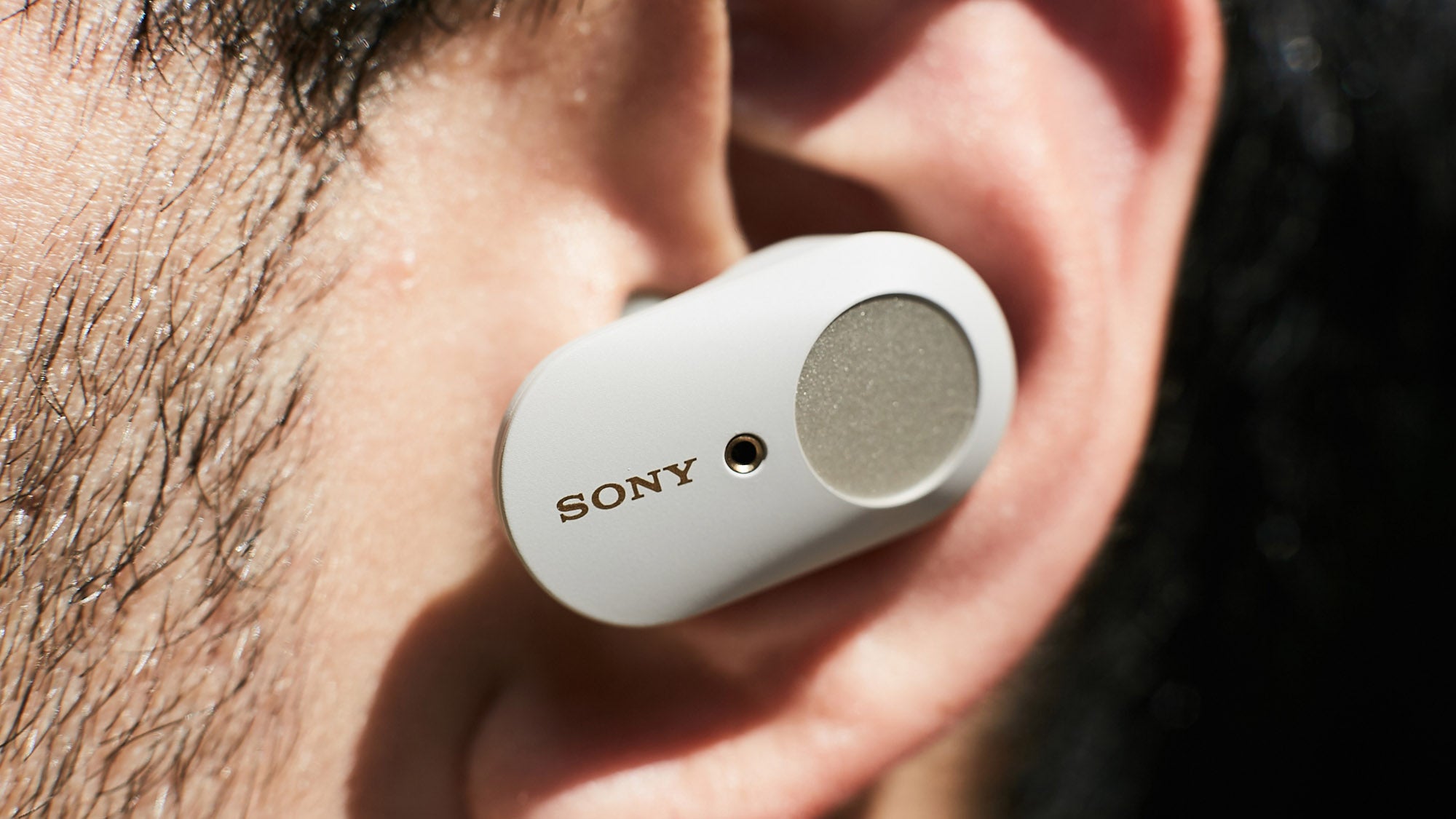
The Sony WF-1000XM3 remains one of the most popular true wireless earbuds, but battery degradation is a common issue over time. This guide explains battery replacement options, charging case battery checking methods, and practical troubleshooting tips.
Common Sony WF-1000XM3 Battery Problems
After long-term use, battery performance naturally declines. Users may experience:
- Short playback time (less than 2 hours)
- Uneven battery drain between earbuds
- Charging case draining faster than usual
- Sudden shutdown at low percentages
These issues are caused by lithium-ion battery aging, which is unavoidable over time.
How to Replace Sony WF-1000XM3 Battery
The Sony WF-1000XM3 does not support user-replaceable batteries. However, you still have several options:
Official Sony Repair Service
- Authorized service centers handle repairs or full replacements
- Most cases result in unit replacement instead of battery repair
- Most reliable and safe option
Third-Party Repair Shops
- Some repair shops offer micro-soldering battery replacement
- More affordable but quality varies
- Risk depends on technician experience
DIY Repair (Not Recommended)
- Requires precision tools and soldering skills
- High risk of damaging internal components
- Can permanently break waterproof sealing
How to Check Sony WF-1000XM3 Charging Case Battery
The charging case does not show a numeric battery percentage, but you can still estimate battery status:
LED Indicator Meaning
- Green: High battery level
- Orange: Medium or low battery
- Flashing orange: Charging or error state
Sony Headphones Connect App
- Displays left and right earbud battery levels
- Shows charging status inside the case
- Provides firmware updates for performance optimization
Behavior-Based Check
If earbuds fail to charge fully or the case drains quickly, it may indicate battery degradation.
Why Sony WF-1000XM3 Battery Life Decreases
- Repeated charging cycles
- Exposure to high temperatures
- Frequent full discharge to 0%
- Long-term storage without charging
Battery degradation usually becomes noticeable after 18–30 months of usage.
How to Extend Battery Life
- Keep earbuds and case in a cool environment
- Avoid full discharge cycles
- Do not store case empty for long periods
- Charge regularly with moderate cycles
- Update firmware via Sony app
Sony WF-1000XM3 battery degradation is normal over time. While official battery replacement is limited, users can extend device life through proper care or professional repair services. Monitoring LED indicators and using the Sony app is the most practical way to track battery health.