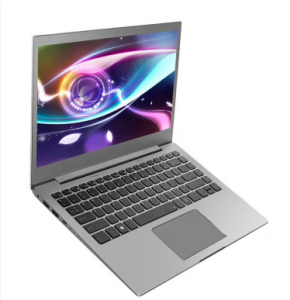
The Toshiba battery is a key component to keep your laptop running smoothly. In this guide, we cover how to replace the battery in your Toshiba laptop, how long Toshiba batteries typically last, and how much a replacement battery costs. We also share tips to extend your battery’s lifespan.
Toshiba Battery Life
The battery life of Toshiba laptops depends on usage and battery type. Most modern Toshiba laptops use lithium-ion batteries, which generally provide:
- 3–6 hours of typical usage per charge for standard laptops
- Reduced battery life when running high-performance apps or multiple programs simultaneously
- Between 300–500 full charge cycles before noticeable capacity loss
How to Replace the Battery in Your Toshiba Laptop
Replacing a Toshiba laptop battery is simple if your model has a removable battery:
- Shut down your laptop and unplug the power adapter.
- Turn the laptop over and locate the battery release latch.
- Slide the latch to release and remove the old battery.
- Insert the new battery until it clicks into place.
- Reconnect the power adapter and power on the laptop.
For non-removable batteries, replacement should be done by a certified technician to avoid damage.
How Much is a Toshiba Laptop Battery?
The price of a Toshiba replacement battery depends on the model and capacity:
- Original Toshiba batteries: typically $80–$150
- Third-party compatible batteries: usually $40–$100, but quality may vary
Tips to Extend Toshiba Battery Life
- Avoid full discharges; charge before the battery drops below 20%
- Keep your laptop cool and avoid overheating
- Use the official Toshiba charger to maintain battery health
- Calibrate the battery every few months by fully charging and discharging it once
Understanding your Toshiba battery—its life expectancy, replacement procedure, and costs—helps keep your laptop running efficiently. By following these tips, you can maximize performance and extend the longevity of your Toshiba battery.