Last week, I received several emails from customers across Australia asking the same question: “How do I replace the battery in my Toshiba laptop?” It seems like many Aussies are dealing with ageing Toshiba notebooks that no longer hold a decent charge. With the rising cost of new devices in 2026, replacing a Toshiba battery has become a popular and budget-friendly alternative to buying a brand-new laptop.
Why Is Your Toshiba Battery Dying?
Every lithium-ion battery has a limited lifespan, typically around 300 to 500 charge cycles. If your Toshiba battery life has dropped significantly — perhaps lasting only 30 minutes instead of several hours — it is almost certainly time for a replacement. One customer from Melbourne emailed me saying her Toshiba Satellite had gone from five hours of battery life to barely surviving a single Zoom meeting. This is an incredibly common issue, especially with models that are three to five years old.
How Do I Replace the Battery in My Toshiba Laptop?
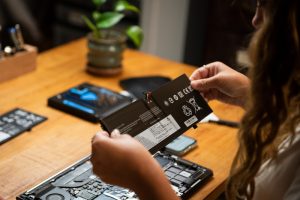
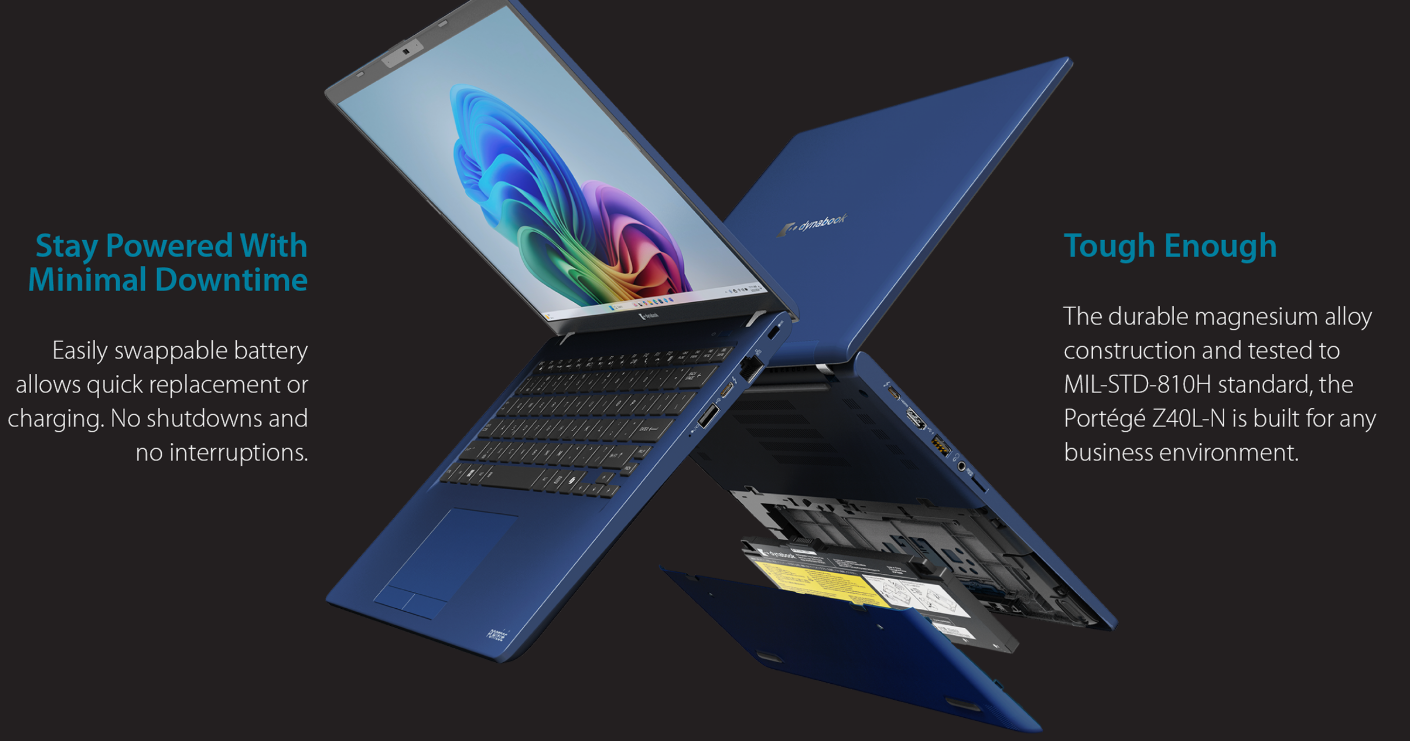
The process depends on your specific model. For older Toshiba Satellite and Tecra series laptops, the battery is usually removable from the bottom panel with a simple latch mechanism. You just power off the device, slide the release latch, and swap in the new battery. However, for newer Dynabook-branded models (Toshiba’s laptop division was rebranded under Dynabook by Sharp Corporation), the battery is often built internally. In that case, you will need a Phillips-head screwdriver, a plastic pry tool, and some patience. I recently watched a detailed teardown video on YouTube by the channel JerryRigEverything that demonstrated this process clearly for a Dynabook Portégé model.
How Much Is a Toshiba Laptop Battery?
Pricing varies depending on the model and supplier. In Australia, a genuine Toshiba battery typically costs between AUD $80 and $160. Third-party alternatives from reputable brands like Cameron Sino or Green Cell can be found for around AUD $50 to $90 on platforms such as Amazon Australia or Battery World. Always verify compatibility by checking your laptop’s model number before purchasing.
Final Tips
To maximise your new Toshiba battery life, avoid keeping the laptop plugged in constantly, use balanced power settings, and keep the device cool. Investing in a quality cooling pad from brands like Targus or Kensington can also help extend battery longevity. A simple battery replacement can give your trusted Toshiba laptop another two to three years of reliable service — a smart move for any budget-conscious Australian.